Pick from what exists
Identifier pickers offer the combinations that are actually there rather than an empty box to guess into — and they offer only the kind that fits, so a bearing is never picked for a chart that cannot draw one.
At a glance
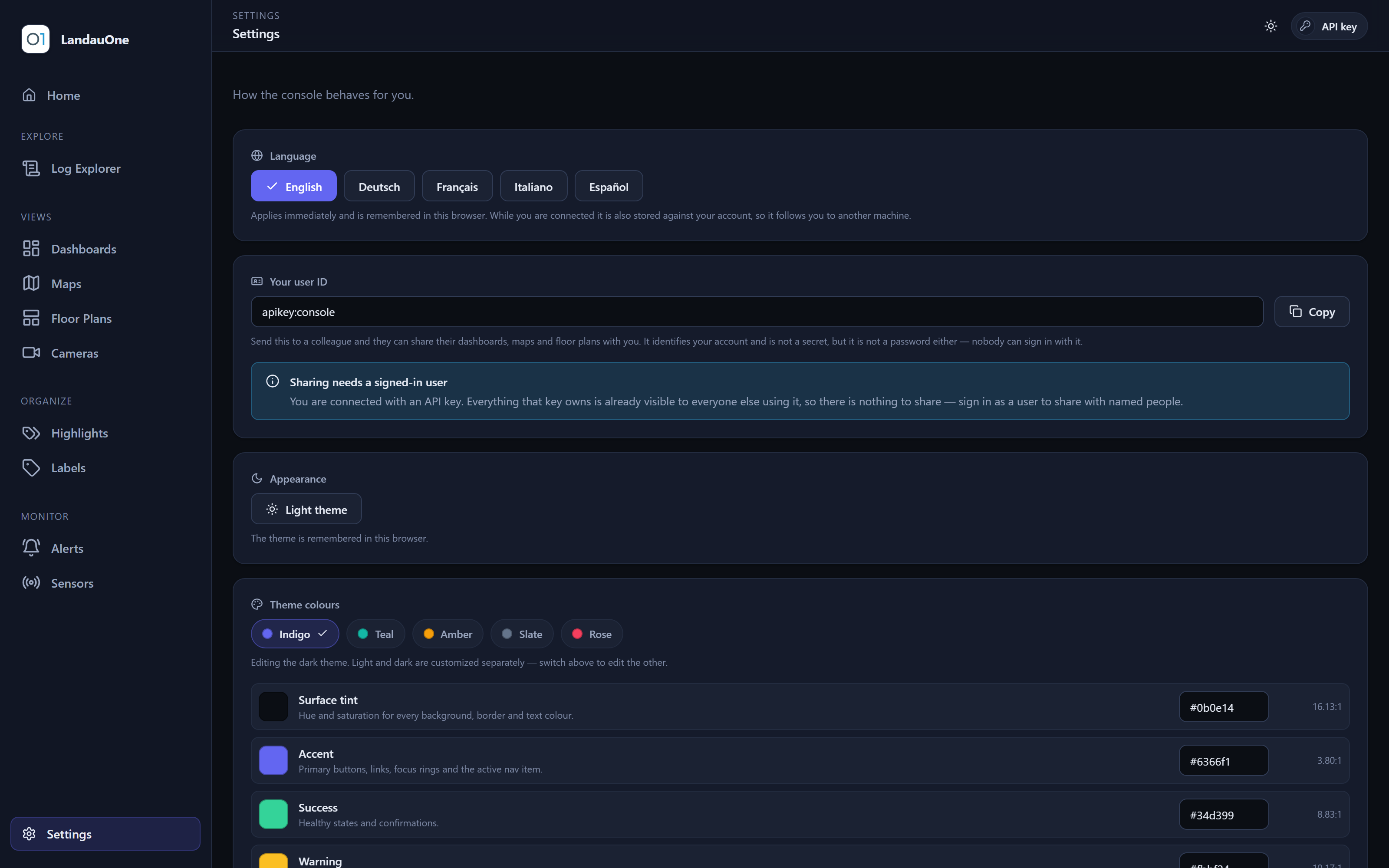
Every one of them speaks your language, renders in light or dark, files under your labels, and can be shared read-only with a colleague.
The console
Modules are grouped by intent — look something up, arrange a view, file things, check that data is still arriving, or run the deployment itself — because that is what somebody navigating actually has in mind. Start here for the map; each group below opens into its own page with every module explained in full.
Explore
Look something up — logs, a month of an asset, and the business questions behind the numbers.
Views
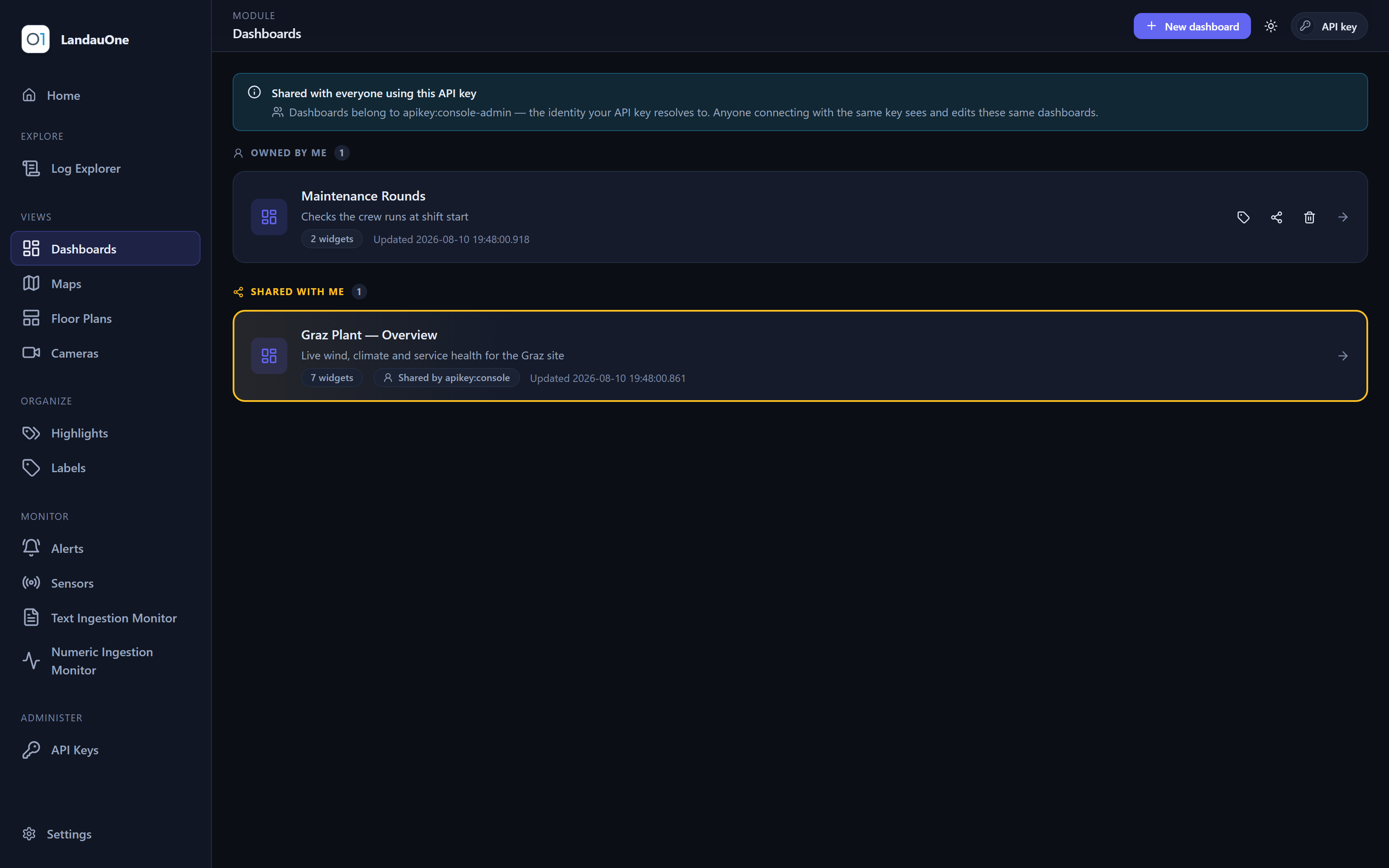
Arrange a view — dashboards, maps, floor plans and live cameras, saved exactly as you left them.
Organize
File things — the words you scan logs for, and the labels everything you own is filed under.
Monitor
Check that data is still arriving — alerts, the sensor registry, and the two ingestion monitors.
Administer
Run the deployment — credentials, the audit log, and where the disk goes.
Across every module
A handful of behaviours turn up in every module that shows data, so what you learn in one is worth knowing in the next.
Identifier pickers offer the combinations that are actually there rather than an empty box to guess into — and they offer only the kind that fits, so a bearing is never picked for a chart that cannot draw one.
Every view takes “the last hour” or two exact timestamps, with a bucket size and a refresh interval of your choosing, saved with the view rather than reset each visit.
A series knows what it is measured in, and says so on the axis, on the tile and on the marker — so a chart never leaves you guessing whether that is degrees or metres.
Bands of value to colour by, so a readout on a map or a floor plan changes colour when it leaves the range you consider normal, with a legend that explains it.
Labels file dashboards, maps, floor plans and cameras; highlight groups mark the log lines you care about. Both follow you into every module that shows the thing.
Layouts, marker positions, viewports, ranges and colours are stored against your credential — not in the browser — so the view is the same on the next machine.
Yours, and occasionally everyone's
Dashboards, maps, floor plans, highlight groups — anything you compose can be handed to a colleague as a finished view, and what it references travels with it: share a dashboard and the highlight groups its log stream uses arrive too, so the recipient sees exactly what you see.
A share hands someone a view, never a pen. There are no shared-edit rights to misconfigure: the owner stays the only writer, so nothing you built can be changed underneath you by somebody you shared it with.
Shares are addressed to a colleague rather than handed out as a URL that works for whoever finds it. Settings shows you your own identifier to pass on, next to a display name that is a convenience and nothing more.
Labels are yours alone, so the labels you put on something shared with you stay private to you. The camera registry is shared by everyone; how you file it is not.